Keep up with the latest Agentwork features, connectors, and improvements.
Get clearer answers from connected sources
Assistant can now check the complete list of tools available for a connected service before concluding that a task is unsupported, helping it find ways to read information or take action within your permissions and workflow restrictions. When records disagree, it gives the best-supported answer and calls out conflicting information, including claims that later records have settled. Newer claims that lack confirmation are flagged with an offer to ask the source’s owner, so you can see what is established and what still needs checking.
Resume memory updates when you subscribe
If your organization’s trial expires, starting a subscription now queues catch-up work for connected sources and memory. Syncing and memory processing can resume without waiting for their next scheduled runs, helping bring your organization’s knowledge up to date sooner.
Run event-triggered workflows quietly
Turn on 'Run quietly' for workflows started by an event to keep routine runs out of your conversation list and notifications. Assistant archives results that need no attention and shows you a run when it has something to report or needs an approval or another decision. Errors also bring the run into view. Manual and API-triggered runs remain visible.
Know when to reconnect a tool
Connections now distinguish between a required reconnect to restore functionality and a recommended reconnect to grant permissions for newer tools. Open the connection to see what needs attention and reconnect where available. If you cannot reconnect it yourself, the guidance explains who can help.
Find Notion pages by when they were created
Date-based questions can now find connected Notion pages by their creation date, even if those pages were edited later. Source dates distinguish when a page was created from when it was last updated, giving Assistant clearer context for questions about a specific period.
Connect your AI tools from your profile
Set up Claude, ChatGPT, and other compatible AI tools from Profile → Agents, with instructions for the app you use. Create and rename API keys, review authorized apps, and revoke access when you no longer need it. Owners and admins can also see connected tools, their owners, and recent usage under Connections → Agents.
Keep company timelines aligned with the evidence
Company memory now uses dates stated in source material for milestones and other events. This helps distinguish when something happened from when a later message reported it or a document was edited. Events without a clear date can remain undated instead of inheriting the source’s update time, giving questions about company history more reliable context.
Know when a connection needs attention
Get an email when a connection enters an error state, with a direct link to investigate. Personal connection alerts go to their owner. Shared connection alerts go to the person who connected the tool and the organization’s owners and admins, so the members who can help know something needs attention.
Connect your tools with clearer guidance
Connection setup now explains what you need before you connect, which permissions you grant, and whether information will be imported into memory or accessed through live actions. After connecting, follow the import as it progresses or open a new conversation to try supported action connectors. Clear completion and error states make it easier to see what is ready and what needs attention.
Pick up where you left off
Switch between conversations without losing the message you were writing. Unsent text and selected @-mentions are saved in your browser and restored when you return to that conversation. Each conversation keeps its own draft, and a message that could not be sent stays available to try again.
Know when members need account matching
Owners and admins now receive an email when connected accounts or organization members still need matching. The email shows who needs attention and links to Connections → Matching, where you can connect each account to the right member. Matching helps members access private connected knowledge they are entitled to use.
Keep working through everyday interruptions
Logging in keeps a clear loading state until your dashboard is ready, and temporary connection failures are retried with a delay. Snoozed conversations stay asleep while Agentwork posts progress updates. Improved handling of corrupt and unsupported images also helps conversations continue when an image cannot be used.
Get started and earn more trial time
A setup checklist on Home helps you connect three tools, bring another member into your organization, and create and run a workflow. During an active trial, each eligible step adds seven days when you complete it for the first time, for up to 21 extra days per organization. See your progress and remaining trial time as you try Agentwork with your team.
Resend an invitation from the members list
Organization owners can resend a pending invitation directly from the members list. The new invitation replaces the previous one, and a short cooldown helps prevent duplicate emails. If the person has already joined, Agentwork lets you know instead of sending another invitation.
Get current figures from connected tools
Assistant checks connected tools for current figures and complete lists, such as unpaid invoices or open deals. For time-based questions, it uses your timezone and states the period covered. Answers from memory also identify the period they cover.
Require two-factor authentication for your organization
It is now possible to require two-factor authentication for your organization. Enabling this will require all members within your organization to set up and use two-factor authentication when using Agentwork.
More control over tool approvals
Tool approvals are clearer and easier to manage. Review grouped actions together, expand details when you need more context, choose what to approve, set the approval scope, or cancel before execution. Approval history stays visible in the conversation, with clear statuses for pending, running, completed, and failed actions.
Never miss a reply
Agentwork now shows the active conversation name in your browser tab and adds an unread indicator when a conversation needs your attention. The indicator works in light and dark themes and clears when you return to the conversation. It stays out of the way while Agentwork is generating a response, so you can tell the difference between work in progress and a reply waiting for you.
Hand off conversations to teammates
Conversation owners can now hand off questions, workflow runs, information requests, and resolution tickets to any active organization member. From the next turn onward, Agentwork acts on behalf of the new owner, who gets the conversation in their sidebar and inbox. The handoff is recorded in the conversation, while you remain a participant. Notifications follow the new owner’s existing preferences.
Let members choose less restrictive approval settings
Admins can now decide whether members may use less restrictive approval settings for each connector. When this is allowed, members can choose the approval setting that fits their work. Built-in safety floors still protect sensitive actions such as sending email or changing calendars. Admins can lock a connector back down at any time, and existing member preferences remain ready to apply if the setting is allowed again.
Research SEO and competitors with Semrush
Connect your Semrush account with an API key so Agentwork can pull live SEO and competitive research, including keyword volume and intent, domain and organic research, competitors, backlinks, paid and shopping data, traffic, rank tracking, and site-audit results. It’s read-only, so Agentwork cannot create or change anything in Semrush. Research is attributed to your account and spends your Semrush API units. Semrush data is accessed when Agentwork uses the connector and isn’t automatically added to memory.
Use Agentwork from your favorite AI tools
Connect ChatGPT, Claude, and other compatible AI tools to Agentwork with the Model Context Protocol (MCP). Ask questions about your company and get answers with sources, or hand over a task and get the result and any files back in the tool you’re already using. Everything runs with your Agentwork permissions.
GitHub now connects as you
Connect your own GitHub account under Connections → Account. Agents read and act on exactly the repositories you can access, every change is recorded as you, and repositories you can't see stay out of reach. The shared workspace connection is retired — each teammate connects once.
Turn a conversation into a workflow
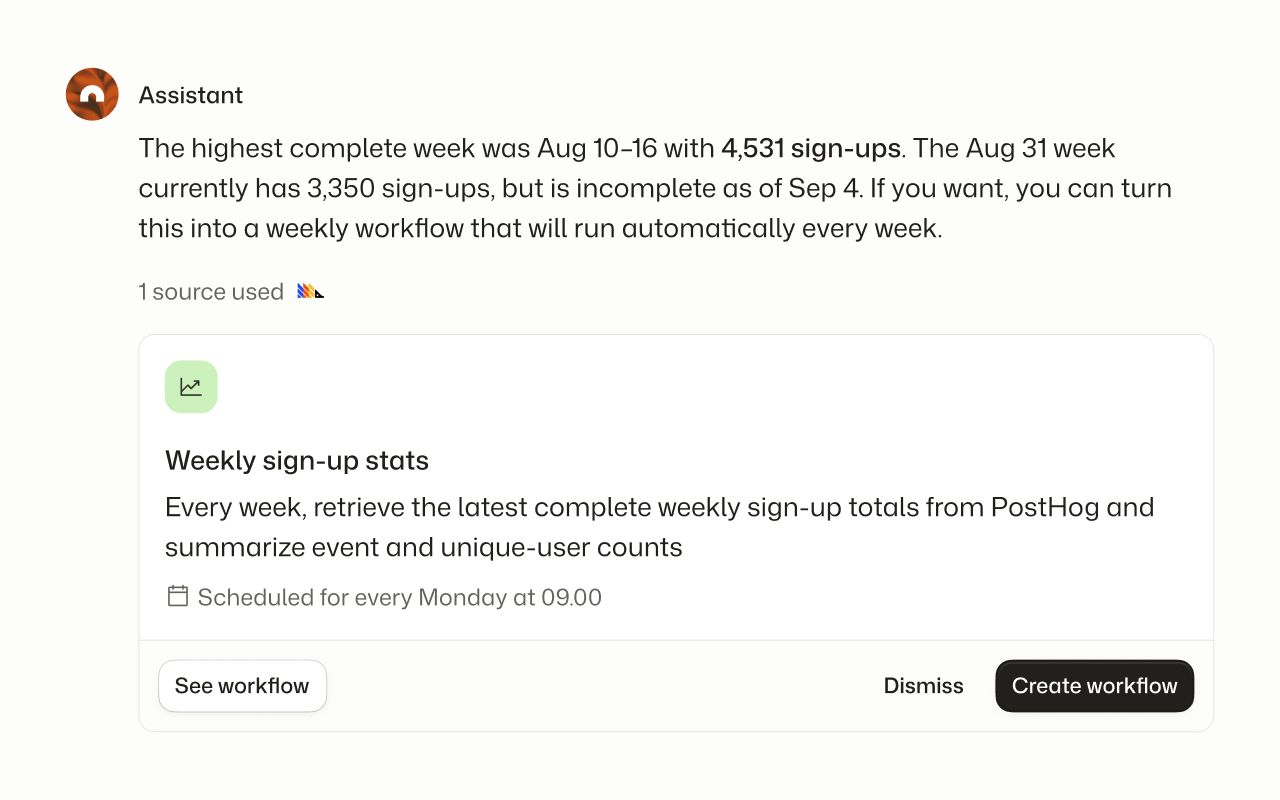
When Agentwork finishes work that would be useful again, it can propose a workflow in the conversation. You see the title, what it will do, and when it would run. Create it, open it to review first, or dismiss the suggestion.
Snooze conversations until you’re ready
Snooze a conversation for 20 minutes, an hour, three hours, tomorrow, next week, or any date and time you choose. Snoozed conversations disappear from your sidebar and request count until they wake, then return as unread. If a new message or approval request arrives earlier, the conversation comes back immediately. Snoozing is personal, so it won’t change anyone else’s sidebar.
Resolve a request with one click
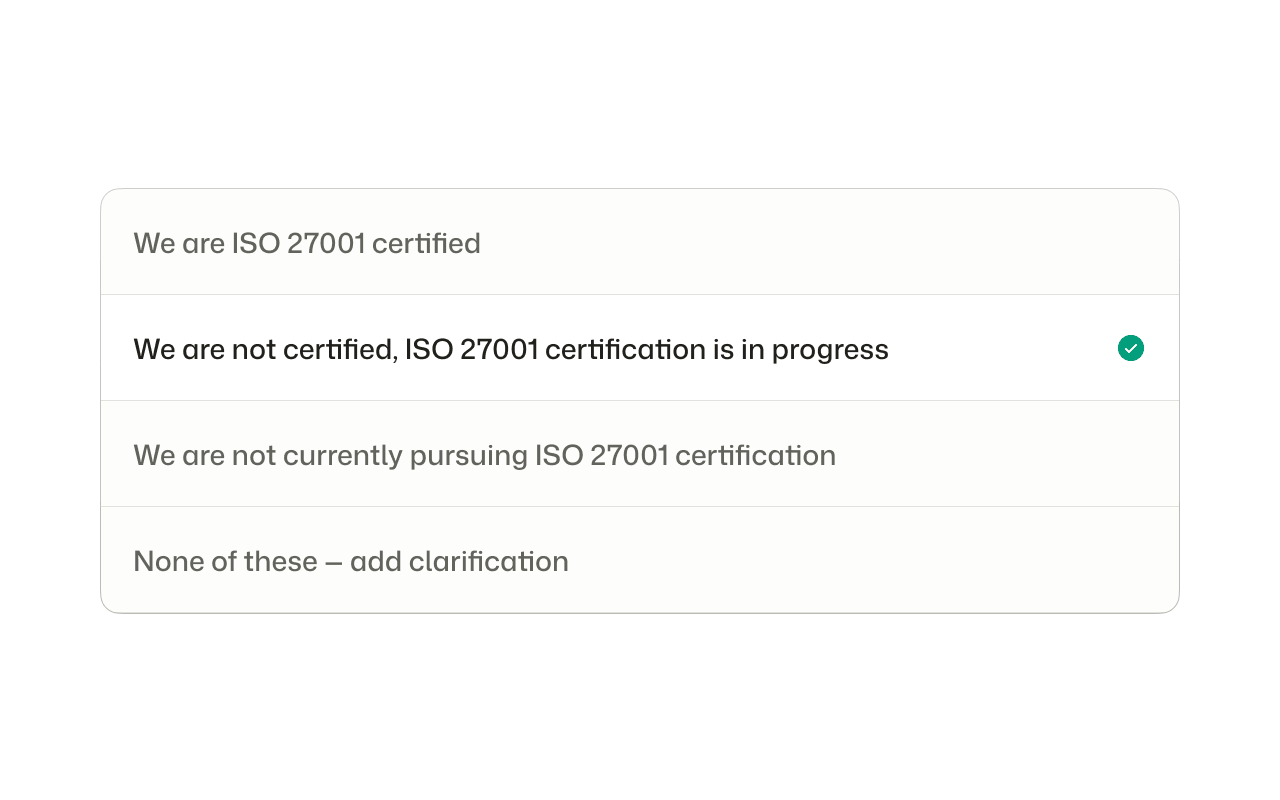
When Agentwork needs you to settle a request, it now offers a short list of ready-made answers. Click the option that fits, and the request moves on without a written reply. If none of the options are right, you can add a clarification instead.
Read and draft workflows in n8n
Connect your n8n instance so Agentwork can search workflows, inspect their node graphs and version history, and see which runs are failing. With your approval, Agentwork can create or edit draft workflows. Drafts stay unpublished until someone publishes them in n8n, and Agentwork cannot run or execute workflows. n8n data is accessed when Agentwork uses the connector and isn’t automatically added to memory.
Get teammates’ attention with @-mentions
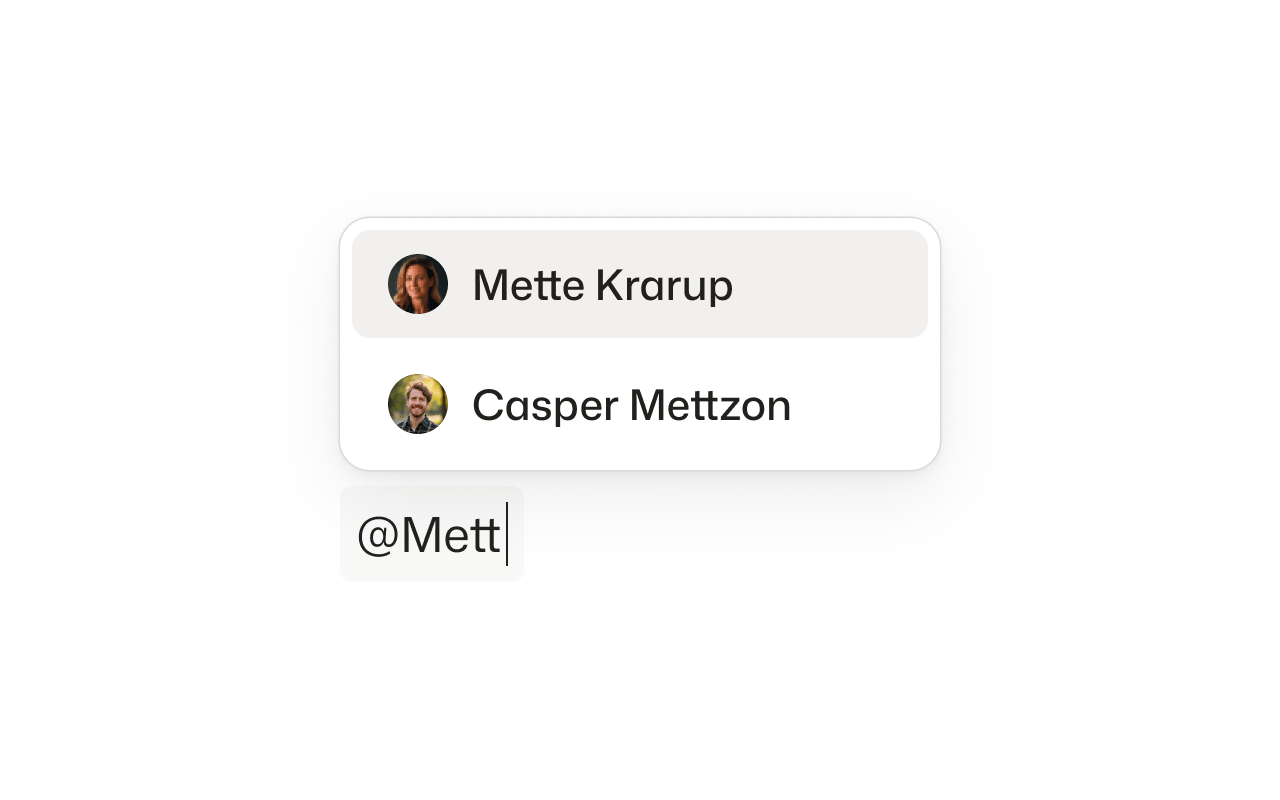
Type @ in a conversation and select a teammate who’s already part of it to direct a message to them. Mentions appear as distinct chips, and unread mentions can trigger a focused email notification. Agentwork understands when the message is meant for your teammate, so it can stay out of the way.
Manage your compliance program with Oneleet
Connect your Oneleet account so Agentwork can browse controls, policies, evidence, monitors, vendors, risks, access reviews, pentest findings, and dependency scans. Agentwork can update supported compliance records with your approval. Oneleet data is accessed when Agentwork uses the connector and isn’t automatically added to memory.
Read your company’s accounting in Numina
Connect your Numina account so Agentwork can read your company’s income and spending by account over time, ledger transactions, and sales invoices. It’s read-only, giving conversations and workflows useful accounting context without creating or changing records. Read the announcement.
Run scheduled workflows quietly
Scheduled workflows can stay out of the way when nothing needs you. Turn on Run quietly and successful runs stay hidden, skip notifications, and file under archived. A run only appears when it needs a decision, an approval, or another kind of attention.
Copy Markdown from file previews
Markdown file previews now include a copy action, making it easier to reuse generated content while preserving its formatting.
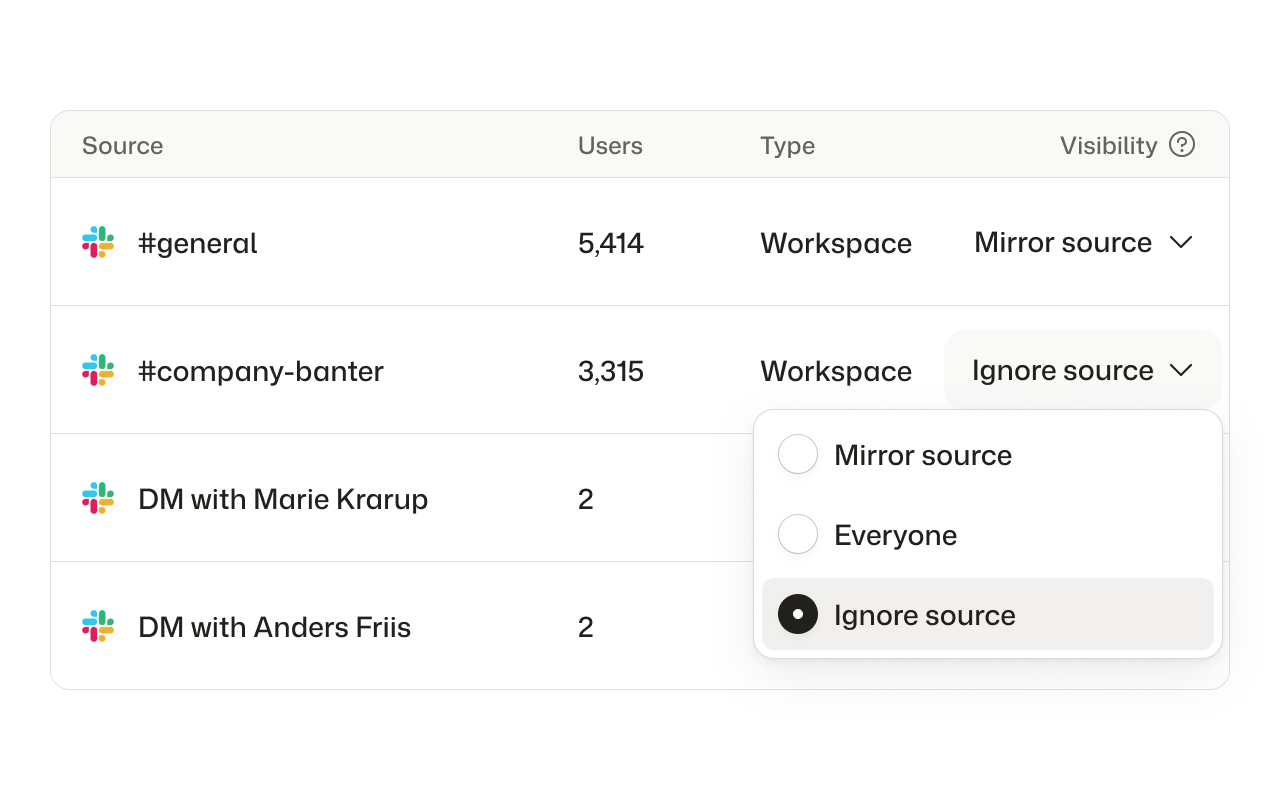
Choose what Agentwork remembers
Owners and admins can ignore a connected workspace source, stopping future ingestion and removing the memory Agentwork previously created from it.
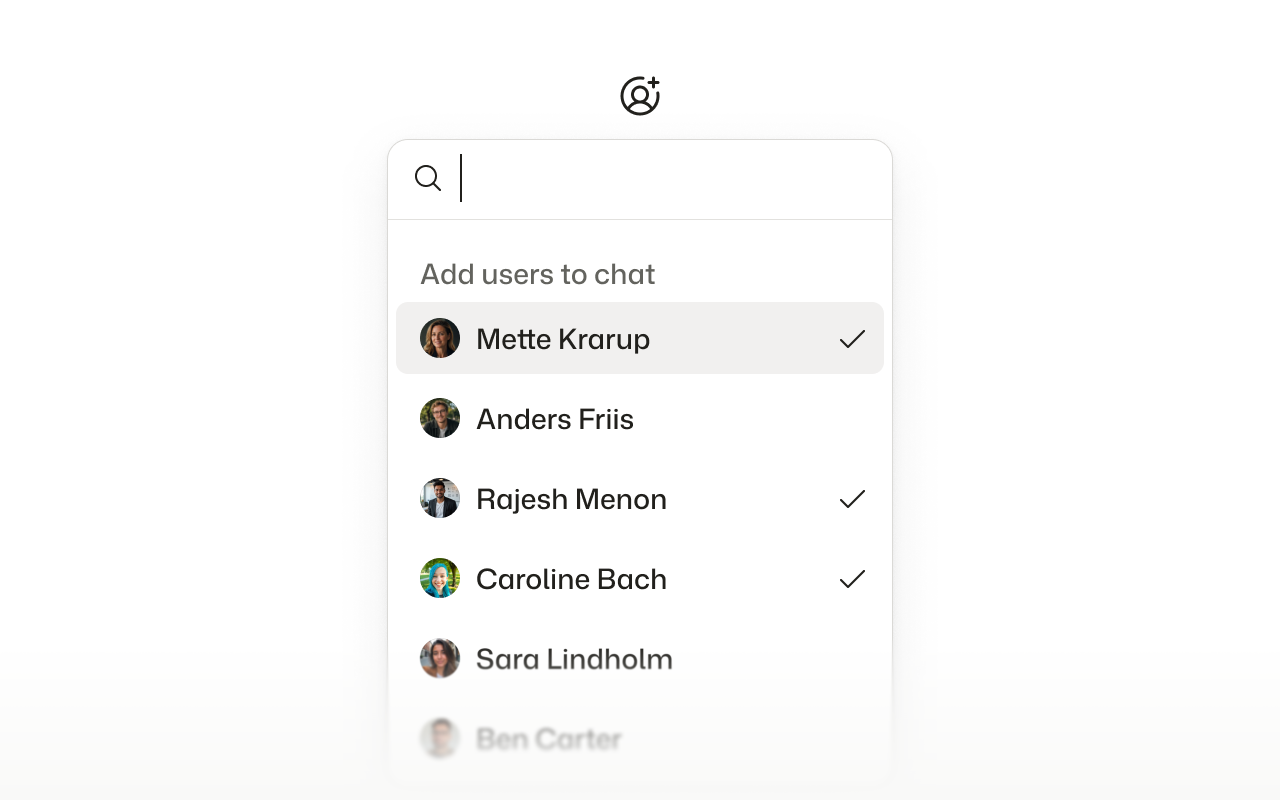
Collaborate with teammates in Agentwork
Conversations are now more collaborative. You can invite another teammate into an existing conversation or remove someone who no longer needs to be involved, without restarting the workflow. New teammates can review the conversation history and take the same actions as the original audience, while the conversation owner remains protected.
Ask “what happened during this period?”
The new memory_timeframe capability produces a chronological digest of activity across a selected time window, making questions like “what changed last week?” much easier to answer.
Stay informed when you’re away
New-message notifications now use read tracking, delayed delivery, burst collapsing, deep links, and user-controlled preferences. Ten messages in one conversation become one useful email instead of ten interruptions.
Find and manage conversations faster
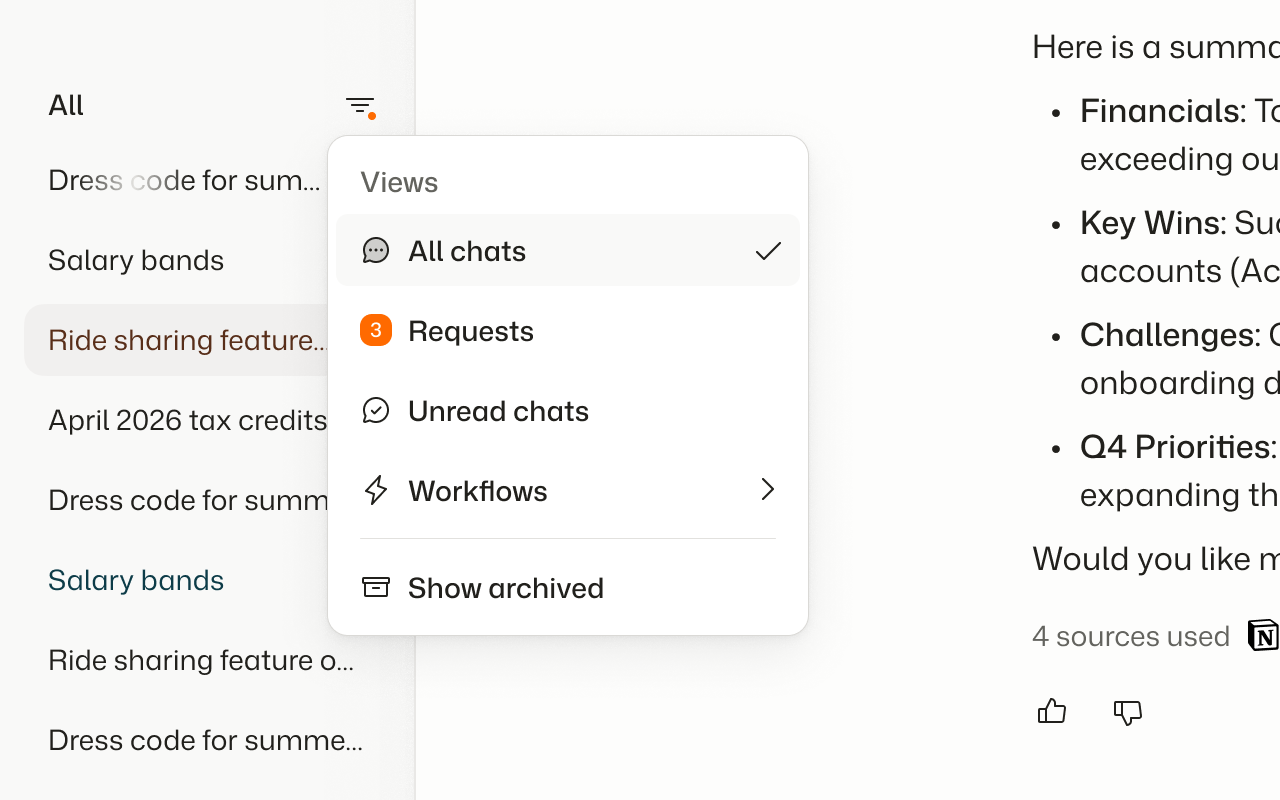
The sidebar now combines chats, requests, unread conversations, workflows, and archived items. Session search, faster initial rendering, and optimistic archiving make navigation feel much faster.
See when a teammate is typing
Shared conversations now show who else is writing, making it easier to coordinate responses without talking over one another.
Drop files directly into chat
Drag files and screenshots into the composer—or paste them from your clipboard—to add context without interrupting your conversation.
Start with five new workflow templates
Get a head start on signup research, churn risk, incident response, document contradictions, and interview debriefs with ready-made workflows.
See what Agentwork is doing
Conversations now acknowledge when complex work begins and show clear progress updates while Agentwork works through each step.
Manage all your connections in one place
A unified, role-aware connections list and clearer provider pages make it easier to see what is connected, what is available, and what needs attention.
Connect your Shopify store
Agentwork can now read products, orders, and inventory from a connected Shopify store, giving workflows useful commerce context without making changes.
Use Gmail and Calendar with Agentwork
Connect your Google account so Agentwork can search email and manage calendar events using the permissions you grant.
Share workflows with the right audience
Share a workflow with selected members, a group, or the whole organization, then choose whether they can follow shared runs or help edit it.
Connect your personal Google Drive
Connect your own Google account to bring Drive files into memory, with access that follows their permissions and updates that sync automatically.
Approve actions in the conversation
Review and approve or deny an action directly where Agentwork proposes it, without leaving the conversation for a separate approvals queue.
Work with Google Drive from Agentwork
From a connected Google account, Agentwork can search, read, create, update, comment on, and share Drive files, with approval before making changes.
Run workflows on your schedule
Workflows can now run automatically every hour, daily, on weekdays, weekly, or monthly in your local timezone.
Rename your organization
Owners and admins can update their organization’s name in settings, keeping it accurate everywhere it appears in Agentwork.
Know when your connections are ready
Follow a connection’s first import from the sidebar and receive an email when it finishes, so you know when its knowledge is ready to use.